Admin
Runs the studio
- Full schedule and client list
- Recurring sessions and plans
- Make-up and extra sessions
- Team, reporting and payments
 Contact us
PRODUCT
Schedule, bookings, team and client app on one platform, under your studio's brand.
Request 1st month freeEveryone works on the same studio, each with the permissions of their role.
Admin
Trainer
Client
Running the studio, topic by topic. The badge shows which plans include each feature.
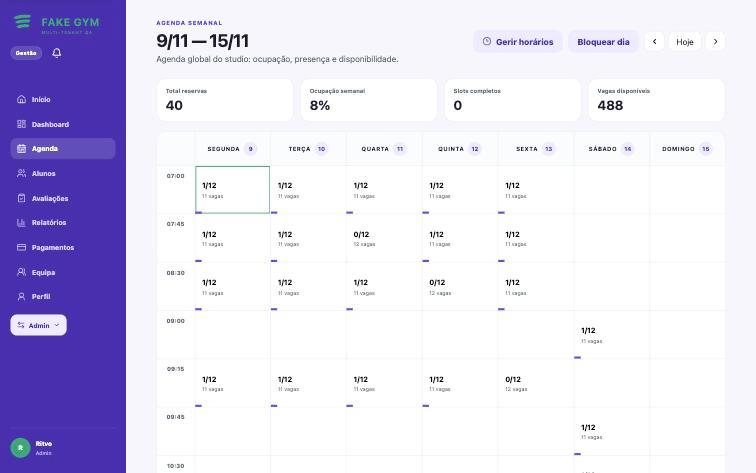
Publish schedules and exceptions, set the capacity of each class and see the studio's full schedule.
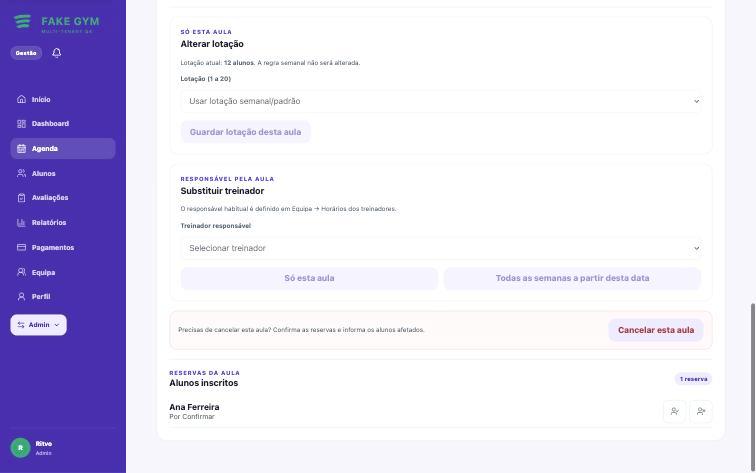
See who booked each class and record attendance and absences once the class has started.
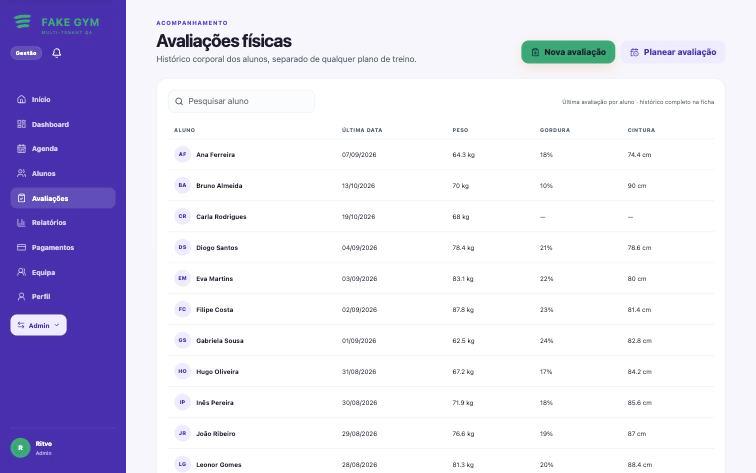
Record body composition and measurements, review past assessments and get reassessment alerts.
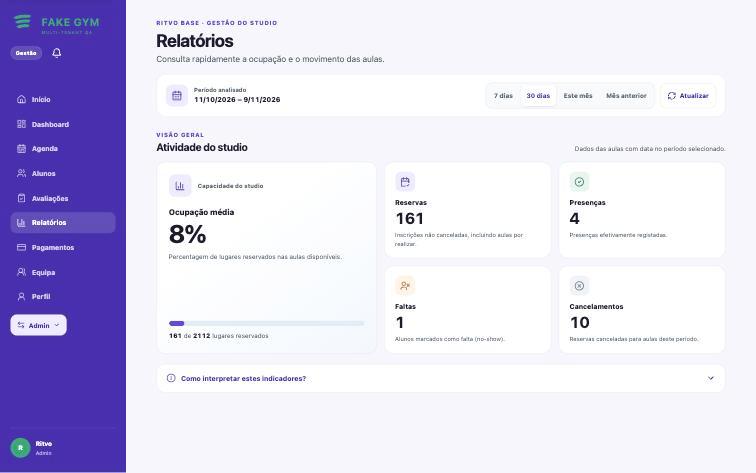
See average occupancy, bookings, attendance, absences and cancellations.
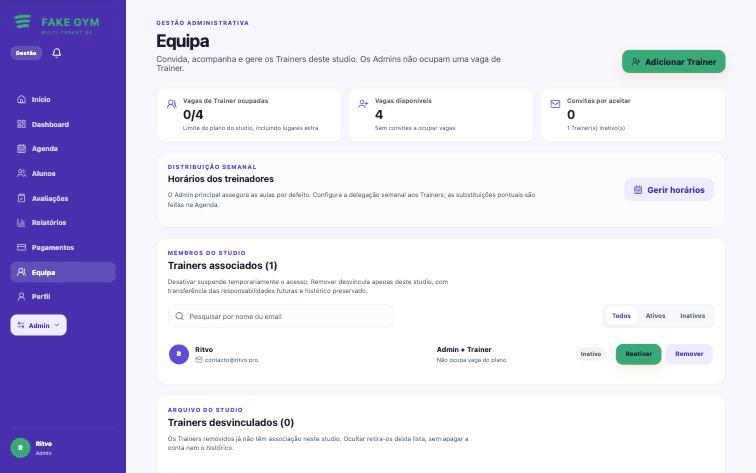
Admin and Trainer have their own areas and permissions. Up to 2 instructors on Essential and up to 4 on Base.
Clients handle everything on their phone, in the studio's Web App.
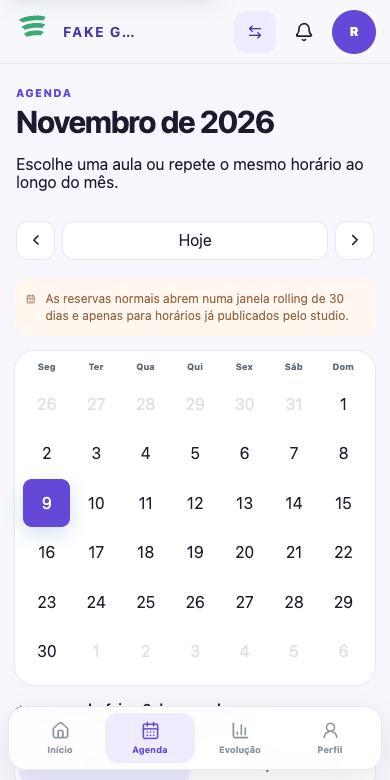
See available times and book up to 30 days ahead. A booking is only confirmed if a place is free.
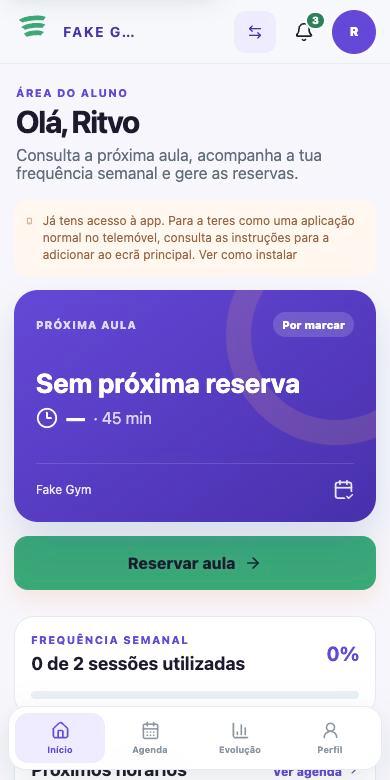
View their own classes and cancel in the app, according to the studio's rules.
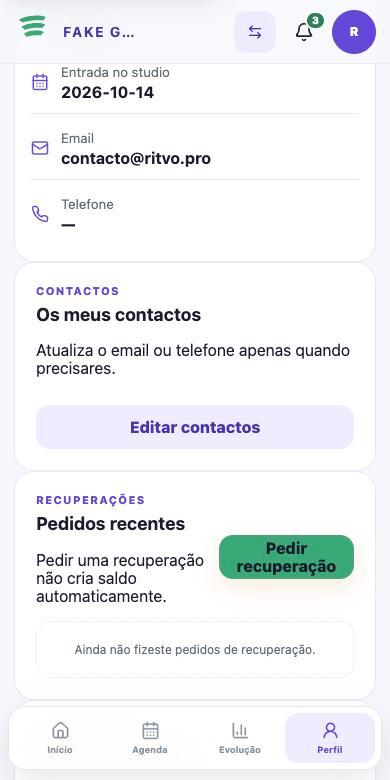
Request a make-up session and give the reason. The Admin approves or declines.
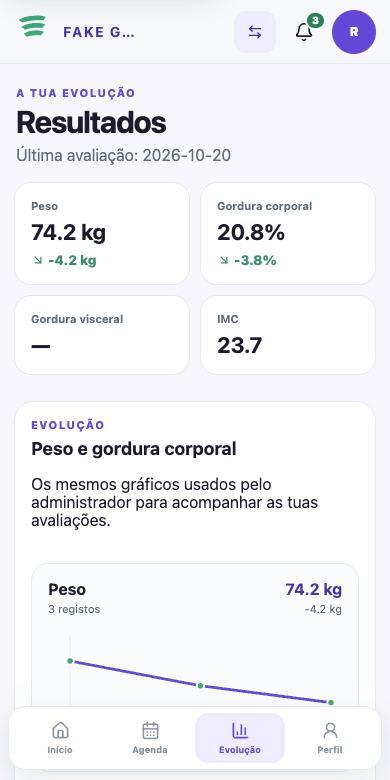
View their own physical assessments and progress history.
Base includes everything in Essential.
| Feature | Essential | Base |
|---|---|---|
| Clients, instructors and schedules | Included | Included |
| Schedule, bookings and attendance | Included | Included |
| Make-up and extra classes | Included | Included |
| Paid/unpaid status with history | Included | Included |
| Daily dashboard | Included | Included |
| Branded PWA | Included | Included |
| Instructors | Up to 2 | Up to 4 |
| Physical assessments | Not included | Included |
| Progress history | Not included | Included |
| Operational reports | Not included | Included |

The technology is Ritvo. The brand is yours.
Each studio can have its own name, logo, colours and settings. Ritvo works behind the scenes to power the experience, rules and operations.
Optional. Each card shows the module's current status.
In development
Individual assessment goals, satisfaction questionnaires and studio performance goals.
Planned
Waitlists, automatic slot allocation and proactive client follow-up. Membership payments via MB WAY with automatic confirmation.
In testing
Personalised plans, an exercise library and support for in-person or remote clients.
Plus modules are optional and still in development. Features, status and terms may change before launch.
The same organisation, in different studios.
One-to-one sessions, recurring slots and client progress.
Limited class places, regular schedules and make-up sessions.
Group classes and clear visibility of booking availability.
Classes, teachers and attendance organised week after week.