 Contact us
See inside Ritvo
A quick tour of Ritvo
Pick a path and go step by step. The screens come from Fake Gym, a demo studio with fictional data.
Step 1 of 5
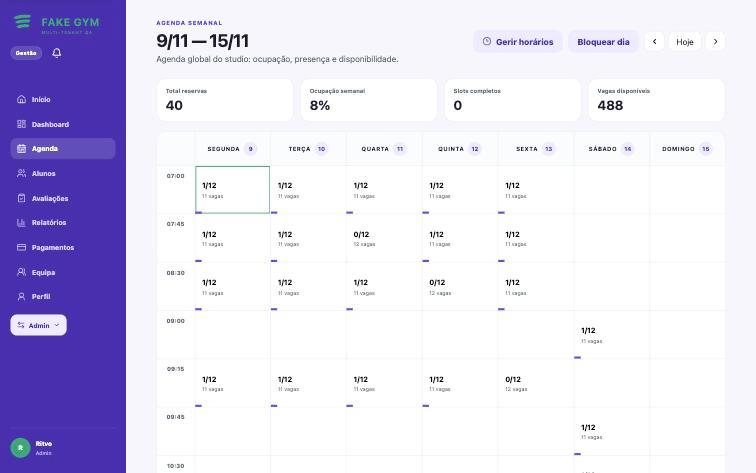
Your whole week on one screen
You see every class of the week, with bookings and free spots in each time slot. Manage time slots and block days right from the schedule.
Included in: EssentialBase
Step 1 of 4
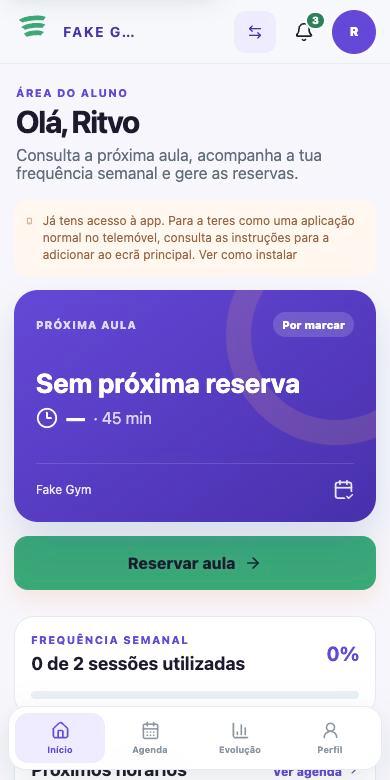
The client's home screen
Your clients see their next class and how many sessions they have used this week, and book the next one in a tap.
Included in: EssentialBase